

A walkthrough of how I automate build, test, and release pipelines for microservices and APIs
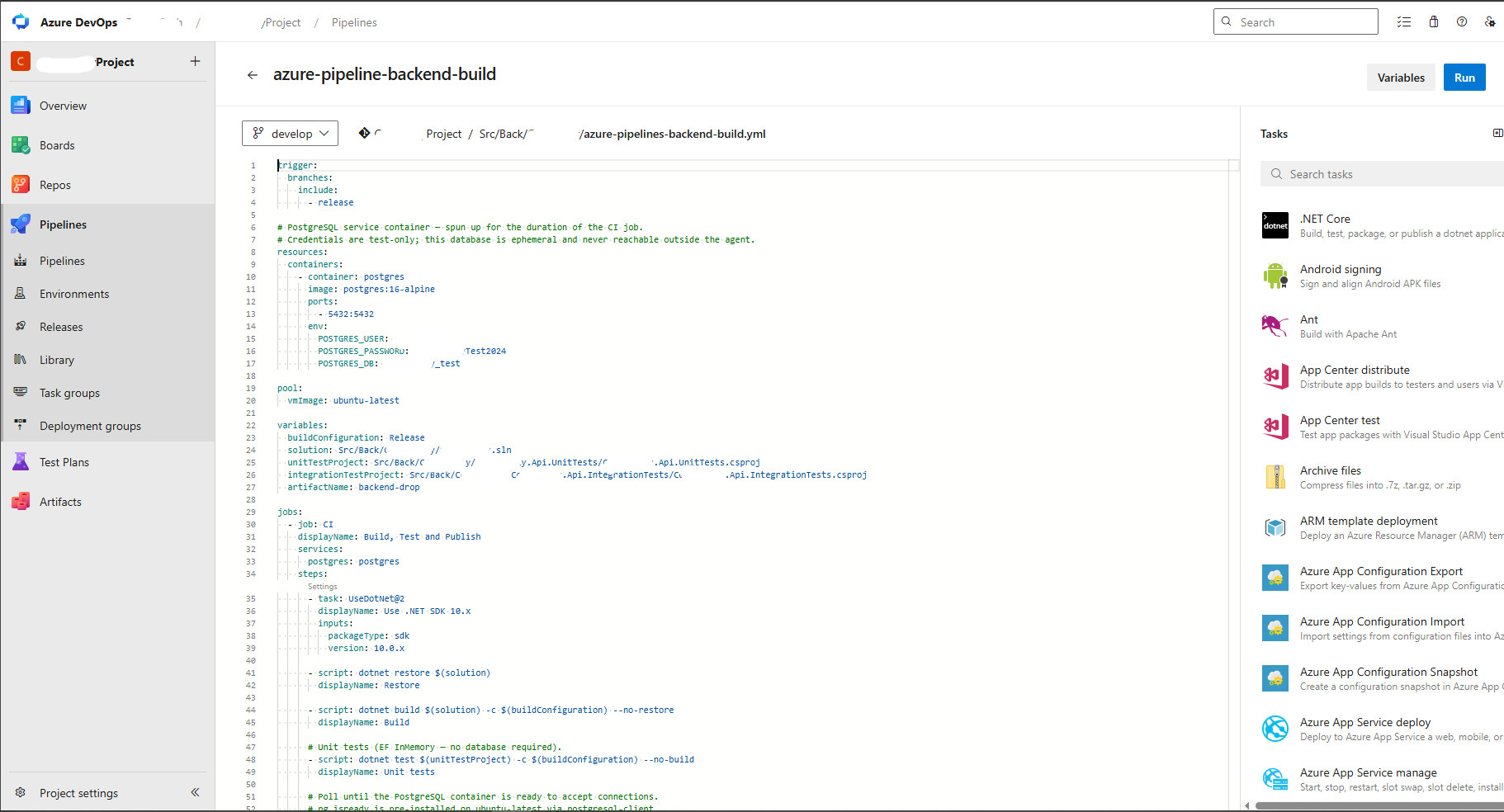
A poorly designed pipeline is a hidden tax on every deployment. Here's the exact structure I use to automate build, test, and release pipelines for microservices on Azure DevOps — and the mistakes I stopped making.

What Is The Difference Between A Code Editor And An IDE Or A Text Editor?
Lorem ipsum dolor sit amet, consectetur adipiscing elit lobortis arcu enim urna adipiscing praesent velit viverra sit semper lorem eu cursus vel hendrerit elementum morbi curabitur etiam nibh justo, lorem aliquet donec sed sit mi dignissim at ante massa mattis.
- Neque sodales ut etiam sit amet nisl purus non tellus orci ac auctor
- Adipiscing elit ut aliquam purus sit amet viverra suspendisse potent i
- Mauris commodo quis imperdiet massa tincidunt nunc pulvinar
- Adipiscing elit ut aliquam purus sit amet viverra suspendisse potenti
Pros and Cons of Using These Editors:
Vitae congue eu consequat ac felis placerat vestibulum lectus mauris ultrices cursus sit amet dictum sit amet justo donec enim diam porttitor lacus luctus accumsan tortor posuere praesent tristique magna sit amet purus gravida quis blandit turpis.
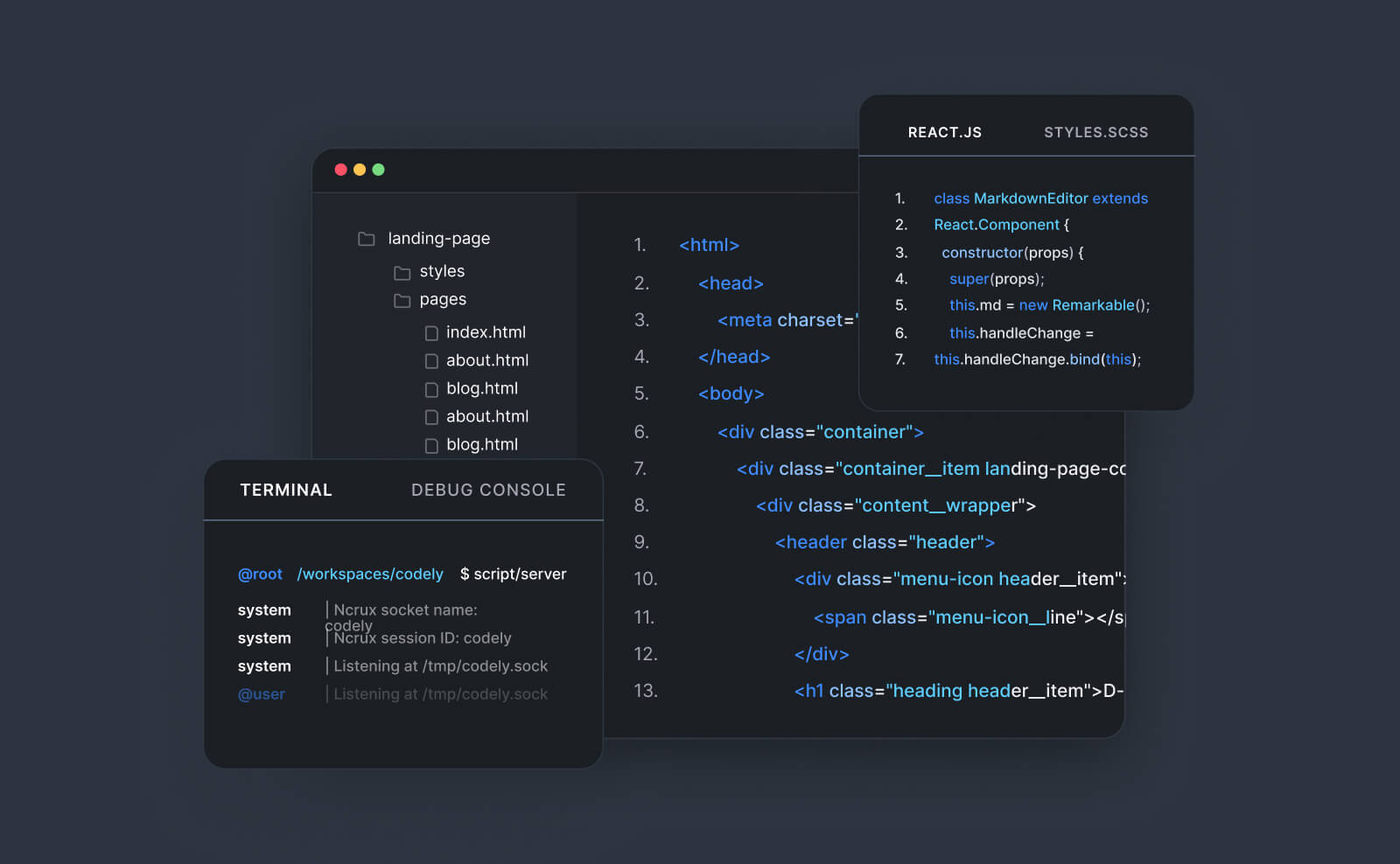
#1 VS Code by Microsoft
At risus viverra adipiscing at in tellus integer feugiat nisl pretium fusce id velit ut tortor sagittis orci a scelerisque purus semper eget at lectus urna duis convallis. Porta nibh venenatis cras sed felis eget neque laoreet suspendisse interdum consectetur libero id faucibus nisl donec pretium vulputate sapien nec sagittis aliquam nunc lobortis mattis aliquam faucibus purus in.
- Neque sodales ut etiam sit amet nisl purus non tellus orci ac auctor
- Adipiscing elit ut aliquam purus sit amet viverra suspendisse potenti
- Mauris commodo quis imperdiet massa tincidunt nunc pulvinar
- Adipiscing elit ut aliquam purus sit amet viverra suspendisse potenti
#2 Sublime Text Editor
Nisi quis eleifend quam adipiscing vitae aliquet bibendum enim facilisis gravida neque. Velit euismod in pellentesque massa placerat volutpat lacus laoreet non curabitur gravida odio aenean sed adipiscing diam donec adipiscing tristique risus. amet est placerat in egestas erat imperdiet sed euismod nisi.
“Nisi quis eleifend quam adipiscing vitae aliquet bibendum enim facilisis gravida neque velit euismod in pellentesque massa placerat”
Wrapping up the article
Eget lorem dolor sed viverra ipsum nunc aliquet bibendum felis donec et odio pellentesque diam volutpat commodo sed egestas aliquam sem fringilla ut morbi tincidunt augue interdum velit euismod eu tincidunt tortor aliquam nulla facilisi aenean sed adipiscing diam donec adipiscing ut lectus arcu bibendum at varius vel pharetra nibh venenatis cras sed felis eget.
Why most microservice pipelines are too fragile
When a system has ten microservices, the temptation is to copy-paste one pipeline YAML ten times and call it done. I did this. It breaks at scale — one template change has to be applied ten times, drift creeps in, and debugging a failed build means reading 400 lines of YAML you didn't intend to write.
Here's how I structure pipelines that scale cleanly across services on Azure DevOps.
The structure: shared templates, per-service triggers
The key insight is separating the what (pipeline logic) from the which (service config). One shared template library. Thin per-service pipeline files that point to it.
Stage 1 — Build
Every microservice pipeline triggers on its own source path using Azure DevOps path filters. The build stage runs dotnet build, caches NuGet packages by lock file hash, and produces a versioned artifact. Versioning follows a semantic convention based on branch name and build number — no manual tagging required.
Stage 2 — Test
Unit tests and integration tests run as parallel jobs. Unit tests run first, fast, with zero external dependencies. Integration tests spin up Docker service containers (SQL Server, Redis) directly in the pipeline. If unit tests fail, integration tests don't start — fast feedback, no wasted minutes.
Code coverage is collected via Coverlet and published to Azure DevOps test analytics. A coverage gate blocks the pipeline if it drops below threshold.
Stage 3 — Release
The release stage builds a Docker image, pushes to Azure Container Registry, and triggers a rolling deployment to AKS via Helm. Environment-specific values — connection strings, feature flags, secrets — are injected from Azure Key Vault at deployment time. Never hardcoded in YAML, never committed to the repo.
The mistake that cost me two production incidents
Early on, I let the release stage run automatically on every merge to main — including for services that hadn't changed. A broken shared library would cascade and trigger simultaneous rollouts across all services.
The fix: change detection. Each pipeline checks whether the service's source path changed since the last successful run. Unchanged services are skipped entirely. Deployment blast radius drops from "everything" to "exactly what changed."
"A pipeline should deploy the minimum necessary to reflect what changed — not everything that could possibly need updating."
What I'd add if starting fresh today
Drift detection from day one — a nightly pipeline that checks whether the deployed image SHA matches the expected artifact version. Silent drift in long-running containers is more common than you'd expect, and catching it proactively beats discovering it during an incident at 2am.
This is the same deployment discipline running behind Contractly Pro — every release ships through the same tested pipeline before it reaches freelancers relying on it for contracts and invoicing. Try Contractly Pro free →
Emile Ndagijimana
Senior Full-Stack Engineer based in France with 10+ years building enterprise systems for insurance, consulting, and international organisations. Founder of Contractly Pro — a contract management SaaS built end-to-end in .NET and Angular.