

How to Stop Losing Track of Which Clients Owe You Money
Why spreadsheets fail quietly, not loudly, and what centralized payment tracking actually means in practice.

What Is The Difference Between A Code Editor And An IDE Or A Text Editor?
Lorem ipsum dolor sit amet, consectetur adipiscing elit lobortis arcu enim urna adipiscing praesent velit viverra sit semper lorem eu cursus vel hendrerit elementum morbi curabitur etiam nibh justo, lorem aliquet donec sed sit mi dignissim at ante massa mattis.
- Neque sodales ut etiam sit amet nisl purus non tellus orci ac auctor
- Adipiscing elit ut aliquam purus sit amet viverra suspendisse potent i
- Mauris commodo quis imperdiet massa tincidunt nunc pulvinar
- Adipiscing elit ut aliquam purus sit amet viverra suspendisse potenti
Pros and Cons of Using These Editors:
Vitae congue eu consequat ac felis placerat vestibulum lectus mauris ultrices cursus sit amet dictum sit amet justo donec enim diam porttitor lacus luctus accumsan tortor posuere praesent tristique magna sit amet purus gravida quis blandit turpis.
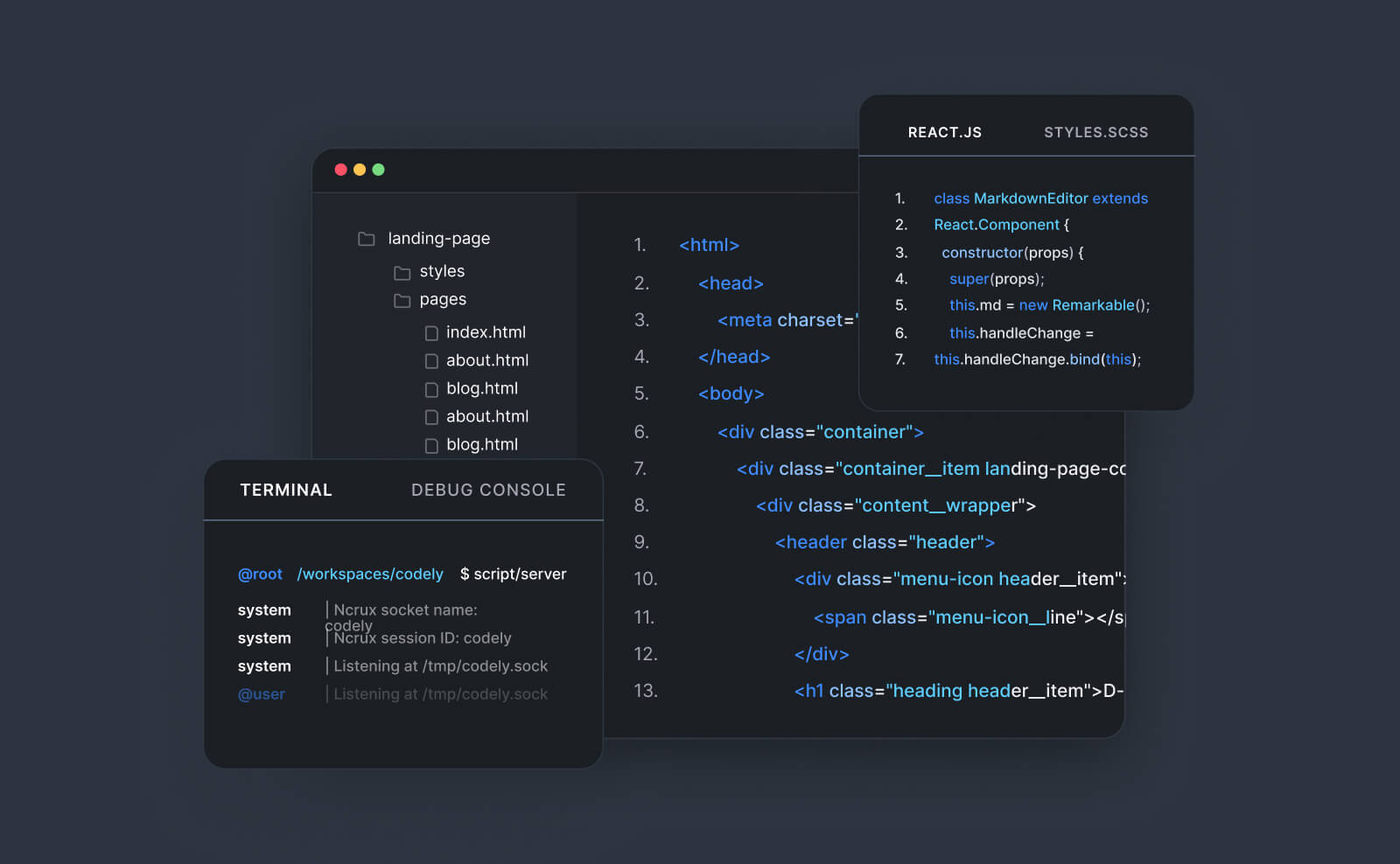
#1 VS Code by Microsoft
At risus viverra adipiscing at in tellus integer feugiat nisl pretium fusce id velit ut tortor sagittis orci a scelerisque purus semper eget at lectus urna duis convallis. Porta nibh venenatis cras sed felis eget neque laoreet suspendisse interdum consectetur libero id faucibus nisl donec pretium vulputate sapien nec sagittis aliquam nunc lobortis mattis aliquam faucibus purus in.
- Neque sodales ut etiam sit amet nisl purus non tellus orci ac auctor
- Adipiscing elit ut aliquam purus sit amet viverra suspendisse potenti
- Mauris commodo quis imperdiet massa tincidunt nunc pulvinar
- Adipiscing elit ut aliquam purus sit amet viverra suspendisse potenti
#2 Sublime Text Editor
Nisi quis eleifend quam adipiscing vitae aliquet bibendum enim facilisis gravida neque. Velit euismod in pellentesque massa placerat volutpat lacus laoreet non curabitur gravida odio aenean sed adipiscing diam donec adipiscing tristique risus. amet est placerat in egestas erat imperdiet sed euismod nisi.
“Nisi quis eleifend quam adipiscing vitae aliquet bibendum enim facilisis gravida neque velit euismod in pellentesque massa placerat”
Wrapping up the article
Eget lorem dolor sed viverra ipsum nunc aliquet bibendum felis donec et odio pellentesque diam volutpat commodo sed egestas aliquam sem fringilla ut morbi tincidunt augue interdum velit euismod eu tincidunt tortor aliquam nulla facilisi aenean sed adipiscing diam donec adipiscing ut lectus arcu bibendum at varius vel pharetra nibh venenatis cras sed felis eget.
The moment most freelancers lose track
Almost every freelancer starts out confident they'll remember who's paid and who hasn't — and for the first few clients, they do. The tracking breaks down predictably: around the point where you're juggling more than five or six active clients, with different payment schedules, different invoice dates, and different amounts, memory alone stops being reliable.
Why spreadsheets fail quietly, not loudly
A spreadsheet feels like a solution because it's structured — rows, columns, a "paid" checkbox. The failure mode isn't that spreadsheets can't hold this information. It's that updating them requires a separate manual step every time a payment comes in, and that step is exactly the one that gets skipped when you're busy, mid-project, or simply forget to check your bank account against the sheet that day.
The result is a spreadsheet that looks authoritative but is quietly wrong — some rows updated, some not, and no way to tell which is which without manually re-checking everything.
What "centralized tracking" actually means in practice
Centralized payment tracking isn't about a fancier spreadsheet — it's about payment status being a direct, automatic property of the invoice itself, not a separate record you maintain in parallel. When an invoice is generated from a contract, and payment status updates automatically the moment a payment is received (rather than requiring you to manually mark it), the "which clients owe me money" question has one always-current answer instead of a stale spreadsheet you have to trust.
- Payment status lives on the invoice, not in a separate tracking document
- Overdue invoices surface automatically, not by you scanning dates manually
- One view shows outstanding balances across every client at once
"The goal isn't a better way to track payments manually. It's not having to track them manually at all."
The real cost of losing track
Beyond the obvious risk of forgetting to follow up on an unpaid invoice, unclear tracking has a quieter cost: it makes it hard to know your actual cash position at any given moment, which affects everything from deciding whether you can take on a new project to knowing when to follow up on a specific client before the relationship goes cold.
Contractly Pro tracks payment status automatically against every invoice, so you always know exactly who owes what without checking a spreadsheet. Try it free →
Emile Ndagijimana
Senior Full-Stack Engineer based in France with 10+ years building enterprise systems for insurance, consulting, and international organisations. Founder of Contractly Pro — a contract management SaaS built end-to-end in .NET and Angular.